

Install a fire suppression device (sprinkler or stand-alone device)
-
-
-
-
-
-
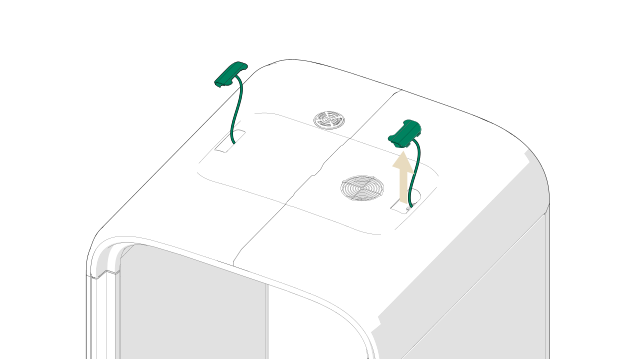
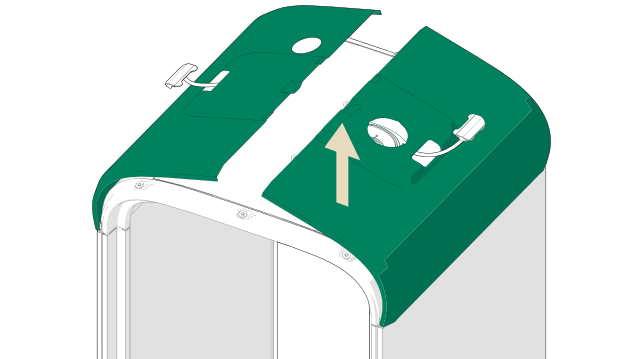
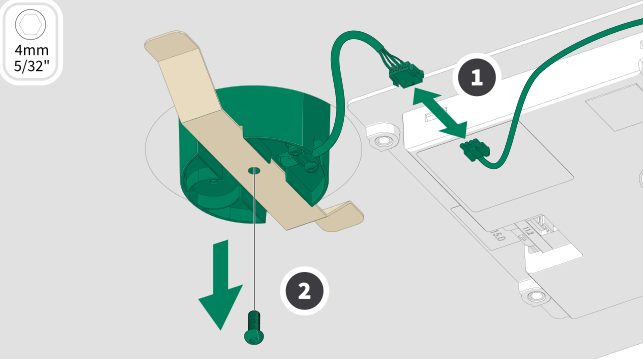
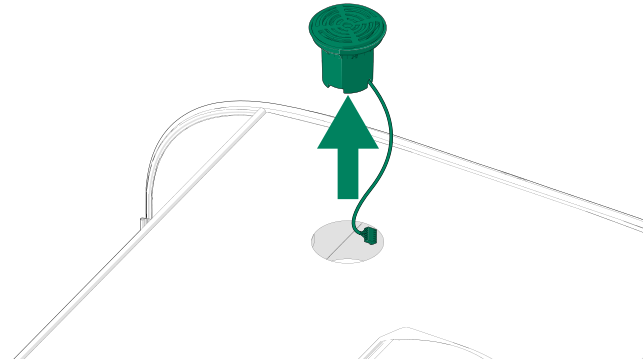
Disconnect the cable connector and remove the
Framery Office Sound Masking SystemTM speaker.
Note:If Pod is shipped after March 1st 2026 and FOSMS (Framery Office Sound Masking System) speaker is not in the sprinkler hole location, you can skip to step 8.
-
-
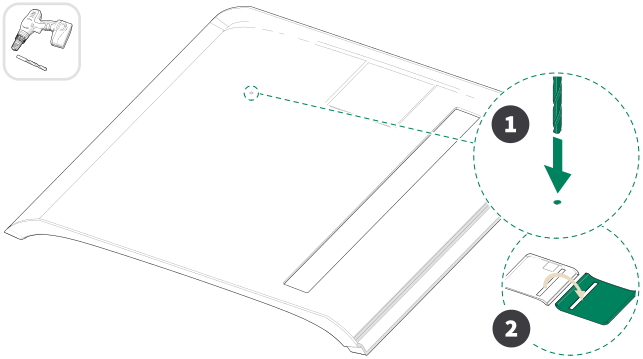
Locate the embossed mark on the inner side of the
ceiling interior panel. Drill a pilot hole through the panel. Flip the panel
over.
-
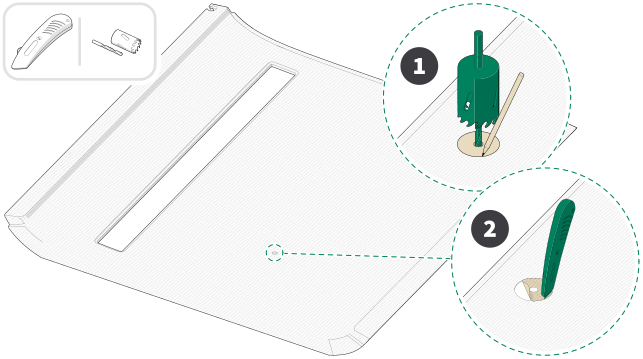
With the fabric side of the panel facing upwards, locate the pilot hole and
insert the pilot bit of the hole saw into the hole. Trace a larger circle using
the hole saw as a guide. Use a utility knife to cut along the marked
circle.
Note:Cut a hole to the ceiling interior panel according to the size of the sprinkler head.
-
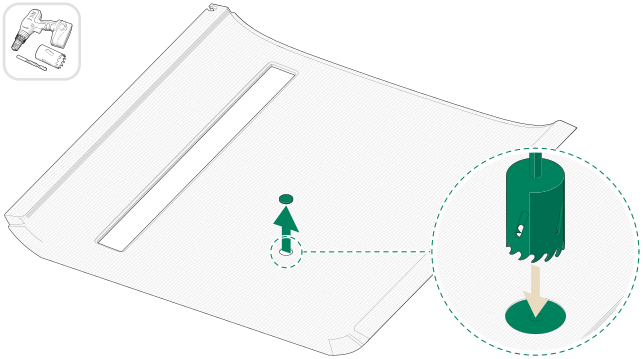
Finish the cut through the fabric using the hole saw.
-
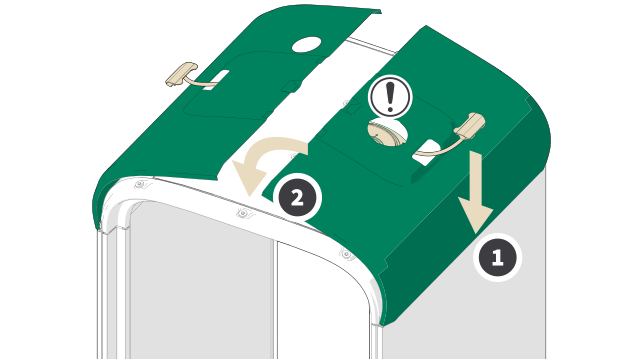
If installing a stand-alone fire suppression device (e.g., a cease fire), see Section 4.1 "Install the cease fire".
If installing a sprinkler, see Section 4.2 "Install the sprinkler (hard pipe or flexible pipe)".