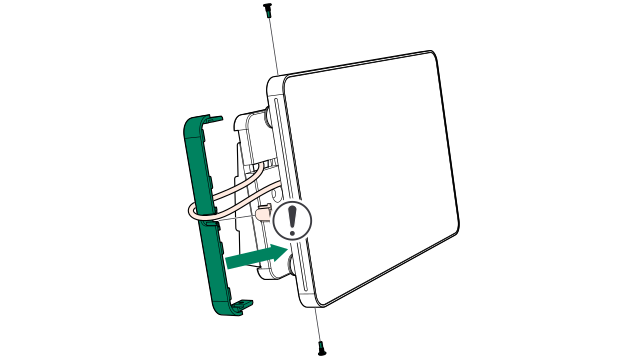
Install Tap Scheduler to the booking system bracket
-
Position the multi-surface mount on the wooden
back plate and mark the location of each screw hole with a pencil.
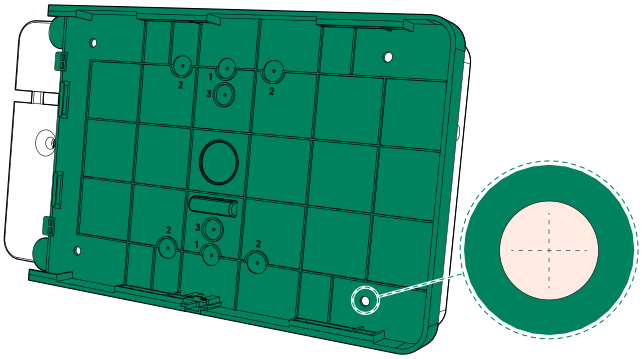
- Drill holes for attaching the multi-surface mount on the wooden back plate.
-
Insert wall plugs into the holes.
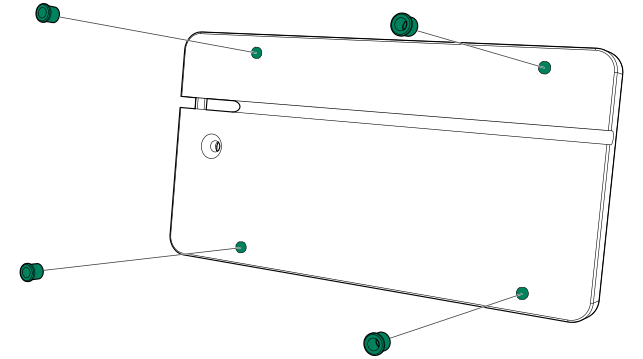
-
Secure the multi-surface mount on the back plate
with 3.5x12 screws (4 pcs).
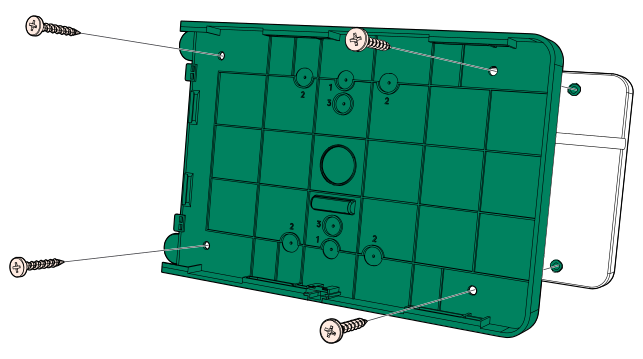
-
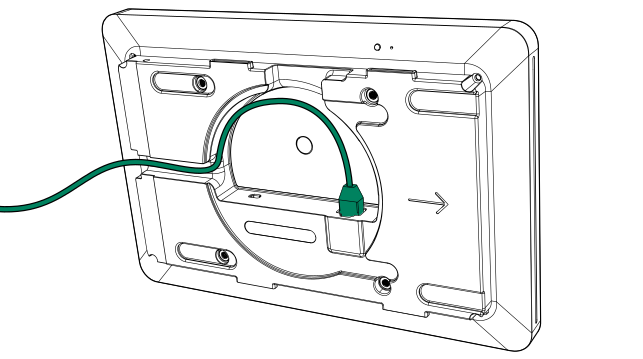
Route the LAN cord through the side of Tap
Scheduler and connect it to the PoE port on the back of the device.
-
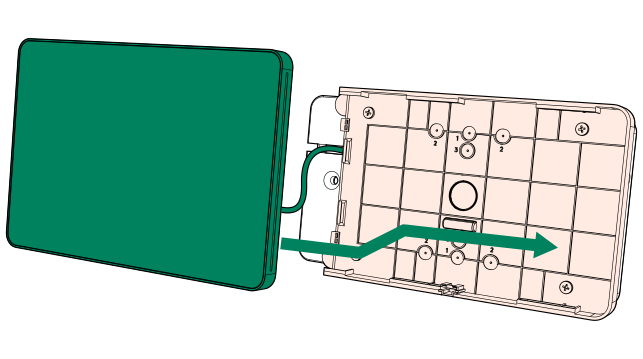
Slide Tap Scheduler in place on the multi-surface
mount.
-
Insert the mount cover on the side of the
multi-surface mount with the supplied screws (2 pcs).
Note: Before installing the mount cover, remove the small plug from the edge of the cover. This creates a slot for the LAN cord.