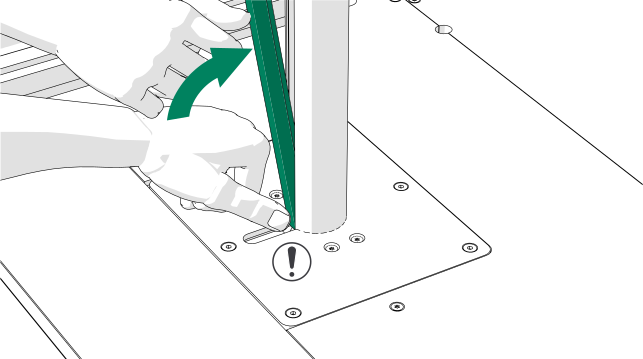
Install the power outlet
-
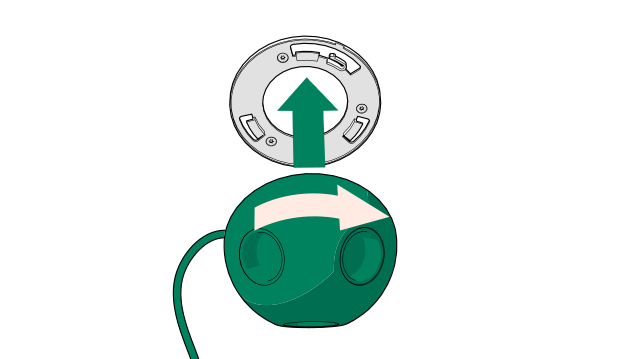
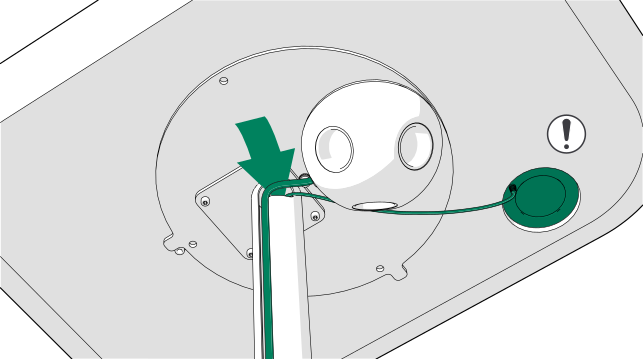
Place the power outlet onto the fixing plate at
the bottom of the table top and turn it clockwise until it locks into
place.
-
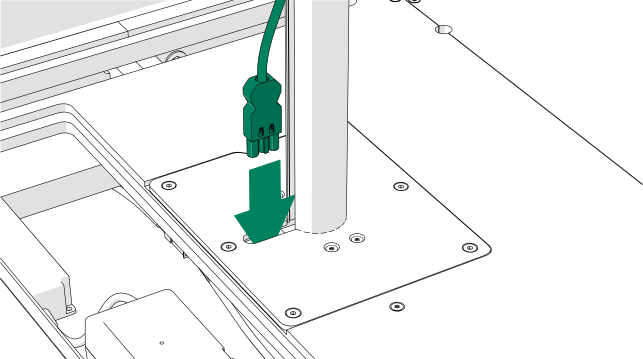
Lead the power outlet cord through the opening at the base of the table
leg.
-
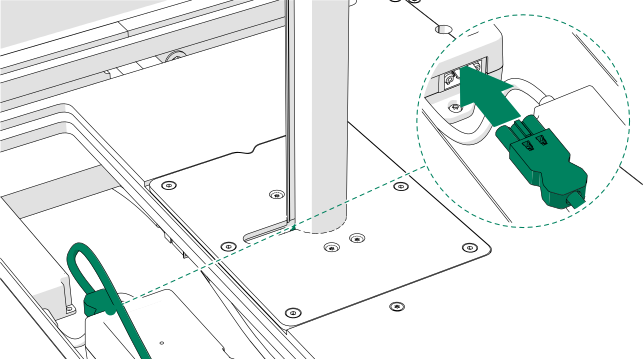
Connect the power outlet cord to the power unit.
A "click" sound is audible when the connector locks into place.
-
Feed the power outlet cord into the groove in the table leg.
If the table is equipped with a wireless charger, also pull the excess cord of the wireless charger into the groove in the table leg.
-
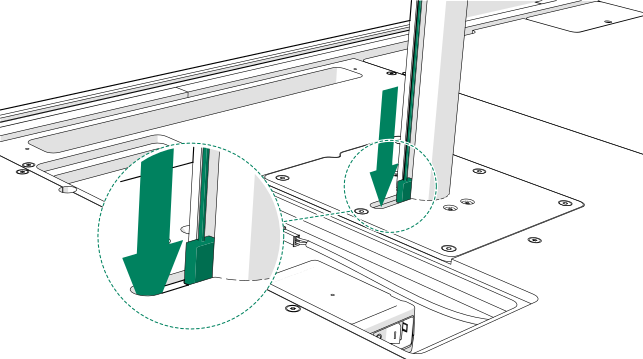
If the optional wireless charger is installed, lead the USB cord from the
wireless charger through the opening at the base of the table leg.
-
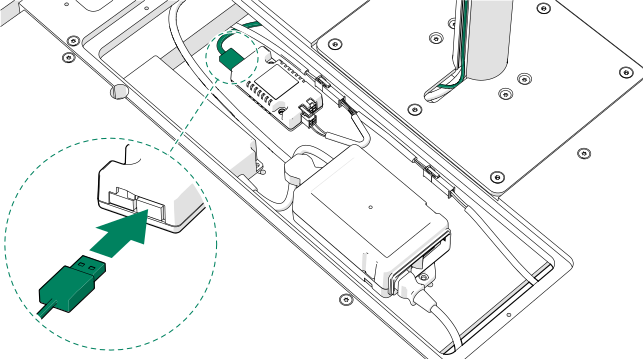
If the optional wireless charger is installed, connect the USB cord to the USB
connector of the 5 V unit.
Note: If both the booking system bracket and wireless charger are installed, connect the wireless charger cord to the USB connector on the power outlet.
-
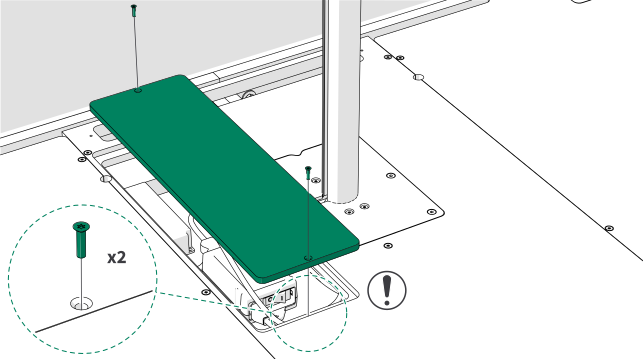
Install the small cover board with 4x20 screws (2 pcs).
Note: Make sure that the cords are not pinched or damaged
-
Press the rubber strip onto the table leg.