

Install the floor stand kit
-
The USB-C cord is in the charger kit.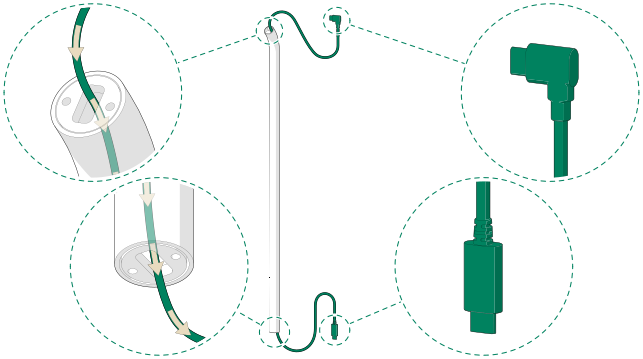
-
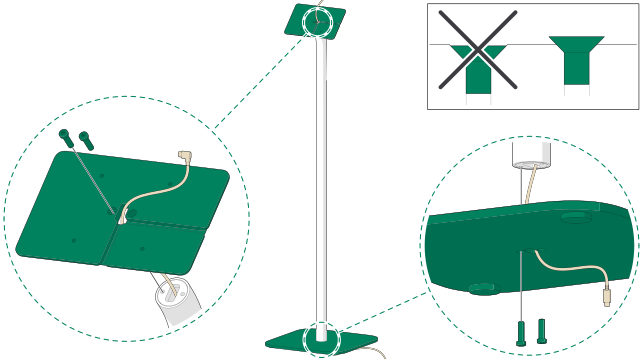
-
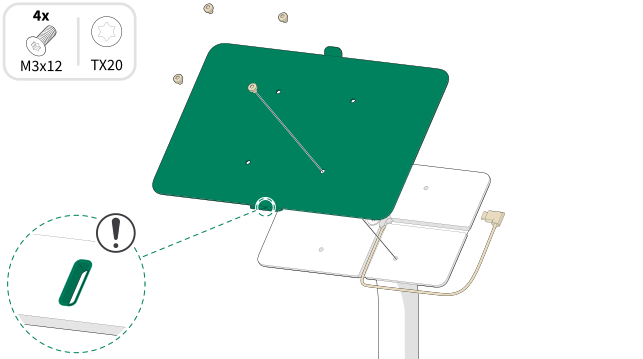
-
Note:Make sure that the tablet is aligned with the wall mount frame.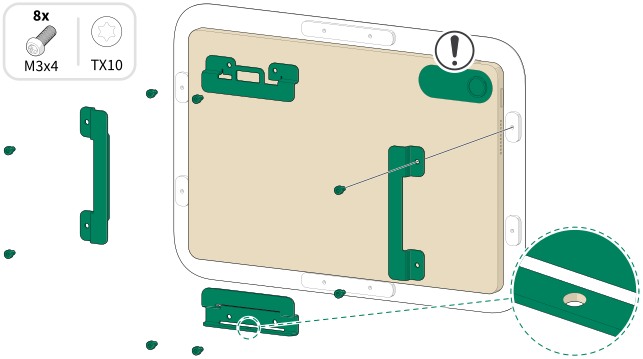
-
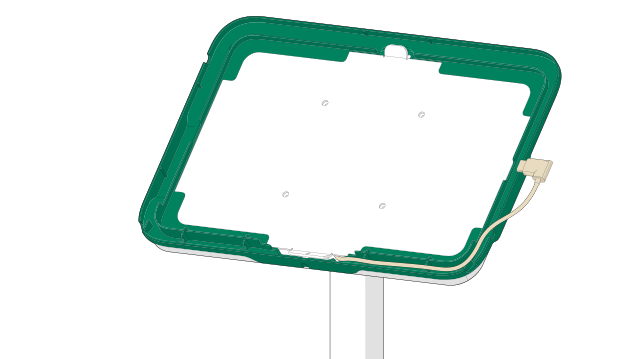
Set the side cover in place and make sure that the
USB-C cord length is as shown.
-
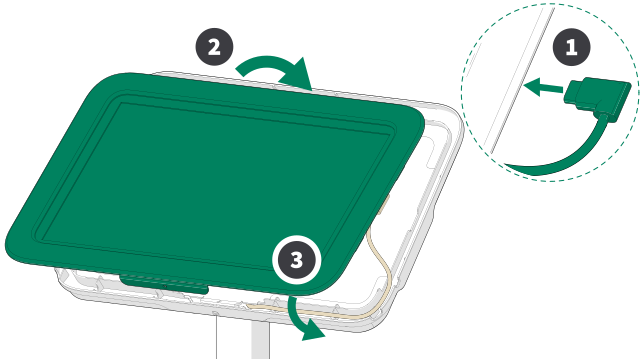
Guide and connect the cord. Hang the tablet
assembly from the top and press all the parts together from the bottom.
-
Note:Do not overtighten the screw.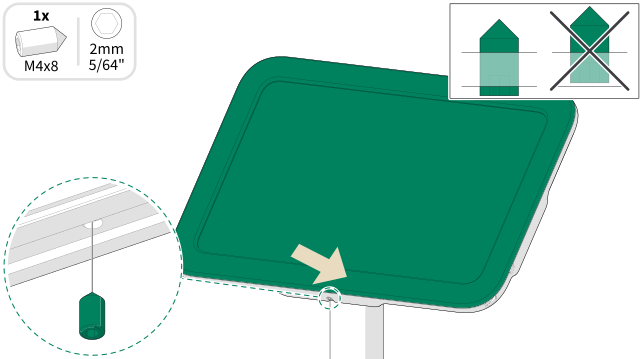
-
-
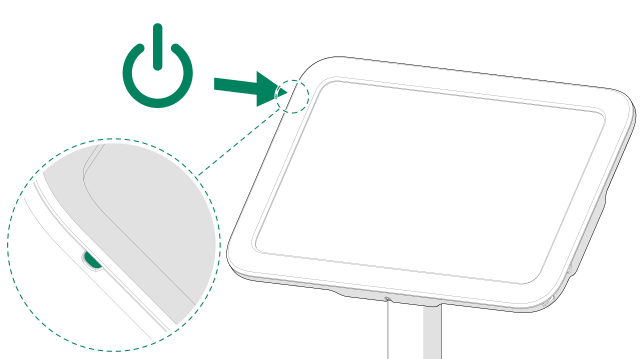
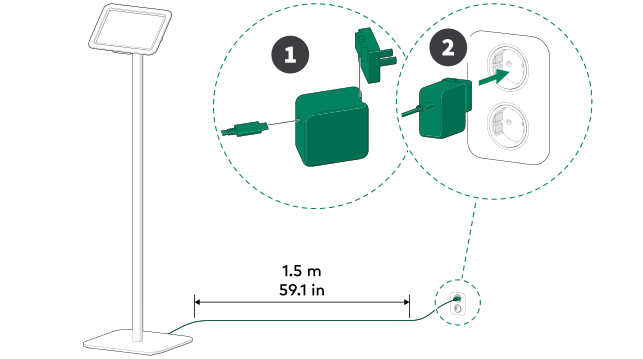
- Continue the device paring by following the instructions in the smart office quick guide or visit info.framery.com/device-pairing.